


How To Capture Whiteboards on iPhone: 5 Apps
1Having a whiteboard in your office can make you more productive and help you capture your ideas as they come to you. But transferring your ideas from your whiteboard to paper or your computer manually can take some time. These 5 iPhone applications help you capture your whiteboard and digitize its information:
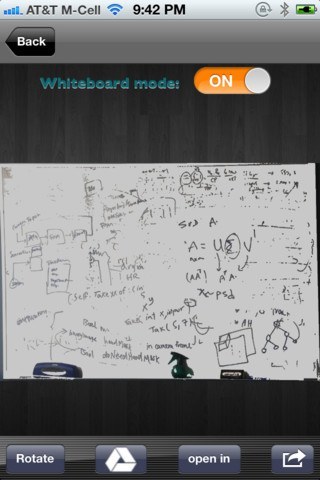
CaptureBoard: lets you take a picture of your whiteboard and have its perspective corrected automatically. Upload to GoogleDrive/Dropbox/Evernote is supported.
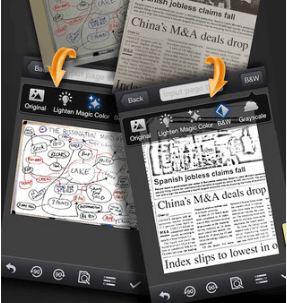
CamScanner+: this powerful application lets you scan documents, receipts, notes, invoices, and whiteboard discussions. It uses OCR for search.
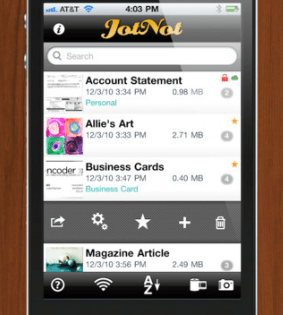
JotNot Scanner: another powerful application you can use to scan documents, receipts, whiteboards, and everything in between. It helps you tag and organize documents too.
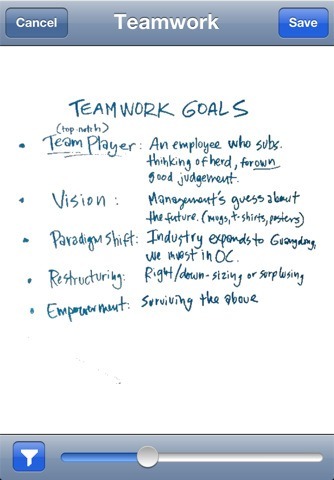
Whiteboard Capture Pro: helps you keep track of your whiteboard images and get rid of their artifacts. Makes sharing them easy too.
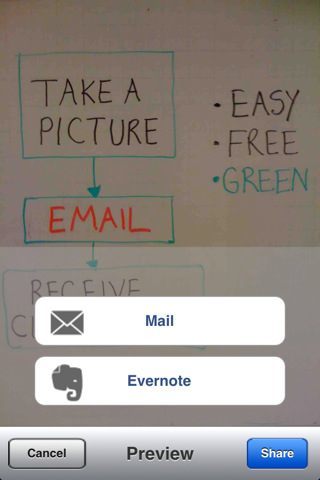
Whiteboard Share: a free application you can use to capture and share whiteboard discussions. Evernote upload is supported.
If you need an app to help you capture whiteboards and share them with others, the above apps can more than help.





I use TurboScan and it works really well too. I found that any scanner app makes whiteboard shots turn out really well.