6 iPhone Apps for Monitoring Online Data Usage
0The days of 100% unlimited data plans are over. Mobile carriers make a considerable amount of money every time their customers go over the limits of their wireless plans. If you are sick and tired of paying fees and penalties for going over what your data plan offers, you should monitor how much data you use on your device. These 6 iPhone apps let you do just that.
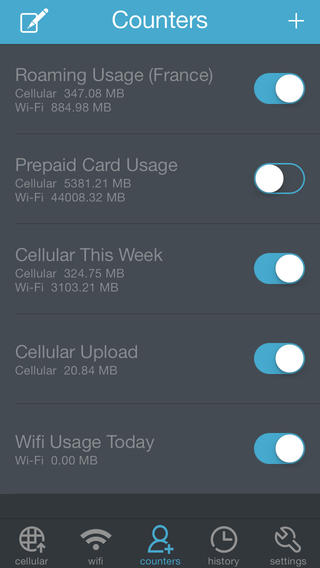
Data Usage Pro: a beautiful app that tells you when you will go over your data cap, so you can plan accordingly. It works with any carrier and any plan. You can set usage alerts to stay on top of things.
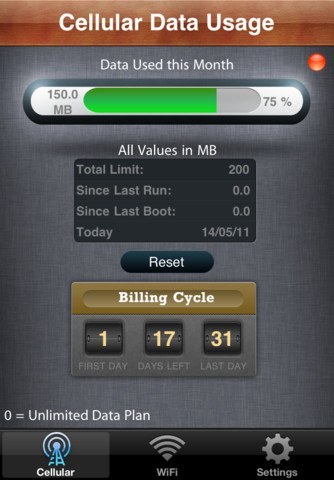
My Data Usage Pro: one of your favorite data monitors. It keeps track of your billing cycle and tells you exactly what you need to know to stay out of trouble with your wireless carrier.
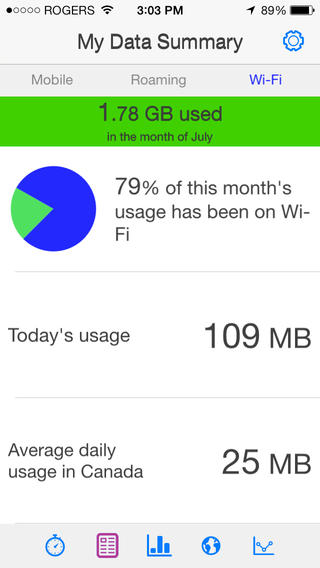
My Data Manager: has a simple user interface and lets you track historical consumption stats. You can set usage alarms to avoid overages.
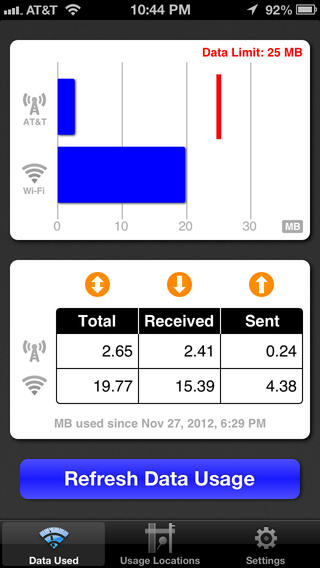
Data Monitor: lets you manage your data usage with a single touch. This universal app helps you avoid nasty surprises on your phone bill.
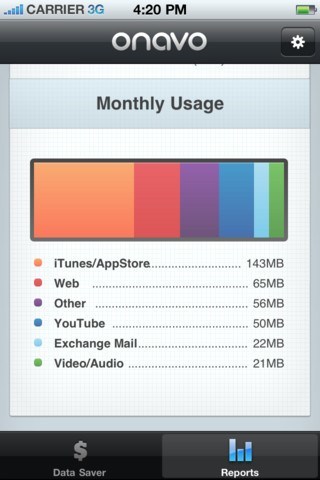
Onvao: this application is free at the time of this writing. It is essentially a data plan enhancer (not a tracker per se). While it reduces your data usage, it could give you an idea how close you are to going over your limit.
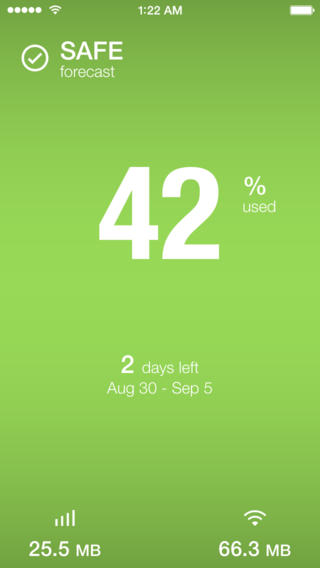
DataMan Next: tells you if you are close to busing your data cap. It is optimized for the latest iOS release. It tracks cellular and WiFi. It has 4 custom alert thresholds.
We have had a lot of success with the first two apps on this list. But the other 4 are pretty solid too. Which iOS apps are you using to monitor your online data usage?