10+ Best iPhone GPS Apps for Car Drivers
77iPhone GPS apps managed to quickly replace one trick pony personal navigation devices. People still buy PNDs but that market does not have as much juice as it did years ago. In fact, many players in this industry shifted their focus to smartphone applications years ago. Garmin and TomTom are just a couple of top companies that develop and update GPS apps for iOS and Android.

Most high-end smartphone owners expect their phones to offer maps and turn-by-turn directions. Many of them rely on free solutions by companies such as Google to find their way around. There are plenty of premium solutions available for iPhone as well. Some of those offer helpful features such as free map updates, live traffic, lane assistance, and more. Clear instructions, safety features, route planning, voice commands, and local information are some of the features consumers expect to get from their favorite GPS app. If you are planning to use your smartphone or tablet to get around your city, you do not want to miss these 10+ iPhone GPS applications:
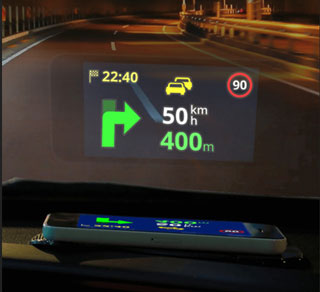
1. Sygic: this GPS app brings voice guided navigation and free map updates to your phone. It offers lane guidance, junction view, live traffic, parking suggestion, speed limit warnings, route sharing, and a whole host of other useful features. It comes with maps from TomTom and other providers. It can project directions on your car’s windshield.
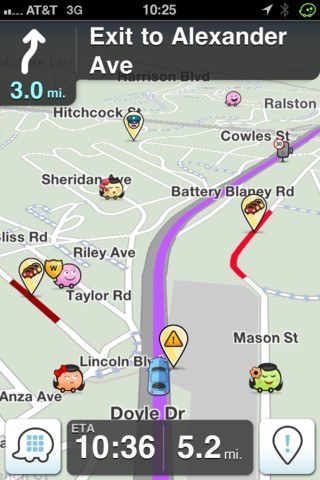
2. Waze: Waze is a social navigation app for iPhone. It provides you with community generated real-time traffic and road alerts. It learns from you and can even change your route as conditions on the road change. Facebook integration, live maps, and cheap gas finder features are available.

3. Google Maps: Google Maps knows how to get you to your destination. The app offers voice guided, turn-by-turn driving directions. You can view 360 degree panoramas of places around the globe and find businesses all around you using Google Local Search. If you are tired of Apple Maps, Google Maps may be worth checking out.
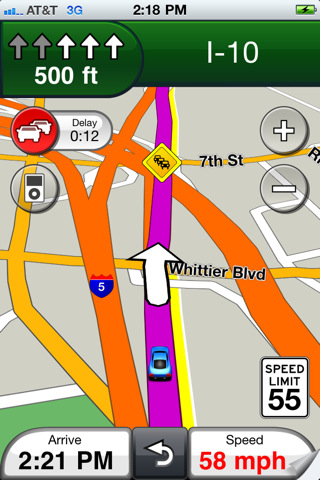
4. Garmin: Garmin USA included offline maps, turn by turn directions (voice prompted), 3D landmarks, lane assist feature, and speed limit alerts (the app has already been removed from the App Store). With Garmin Smartphone Link and Garmin Drive, you can connect your smart Garmin device to your phone to enjoy live traffic, parking, and traffic camera updates. Alternatively, you can use Garmin Speak with Alexa to ask for turn-by-turn directions via voice.
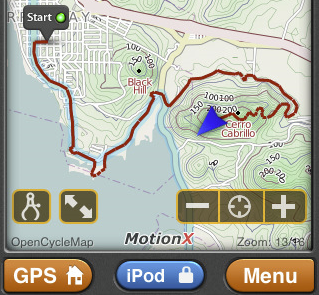
5. MotionX GPS Drive: MotionX GPS Drive has been consistently one of the best apps in this category. It has a great reputation. It offers up-to-date maps and predictive traffic-based routing. Multi-stop routing is supported too. Gives you a lot of value for your money.
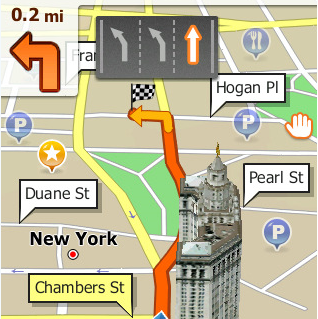
6. Scout GPS: Scout provides you with personalized navigation on your smartphone. You get voice-guided, turn by turn navigation with cheap gas finder, traffic data, and recent trips tracking. You can share your ETA with your friends and colleagues from this app.
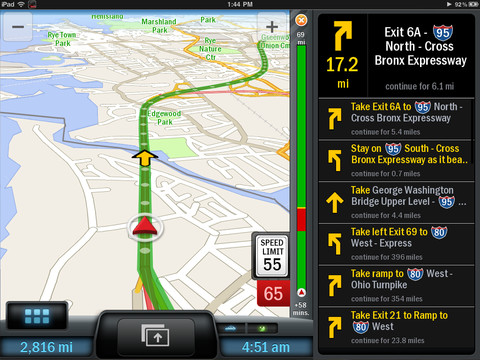
7. CoPilot: CoPilot is a navigation application that works on all iPhones and the latest iPads. It offers offline maps with free updates. Live traffic service is included (for 12 months). This app is integrated with Wikipedia, Yelp, and Google Local Search to offer you the best local information possible. Plenty of powerful paid add-ons are included for it as well.
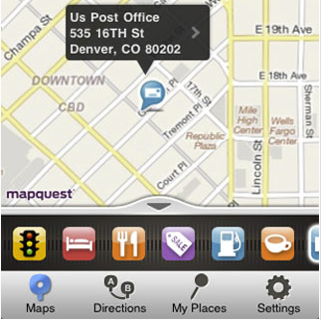
8. MapQuest: MapQuest does not need any introduction. It’s a free navigation solution that provides you with directions and speaks them to you on the road. Find Me and Auto-Reroute features are nice to have. You get road information every 5 minutes. Another decent free option for iPhone users.
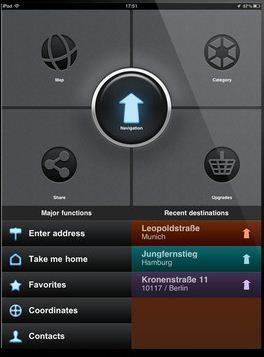
9. GPS Navigation 2 – skobbler: Skobbler is a hybrid online/offline application with on-demand maps. It is powered by OpenStreetMap. It is pretty affordable.
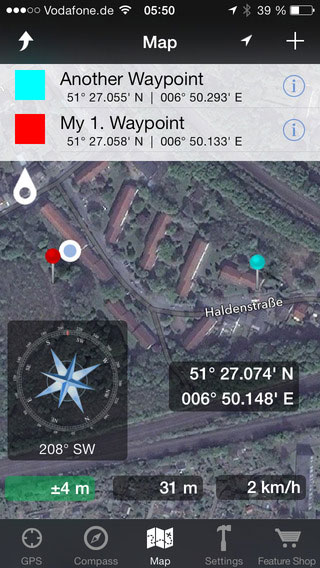
10. Easy GPS: a GPS app for navigation and outdoors. It measures your position, height and acceleration and provides you with Google Maps, Open Street Map, Waypoints, and other premium add-ons.
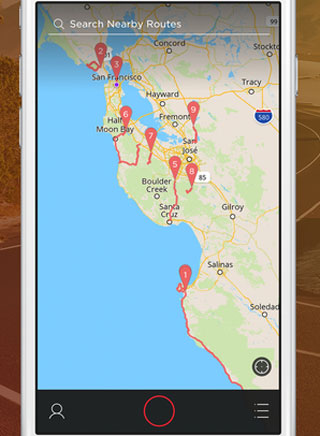
11. Round: a community-based app that helps you discover new driving and walking routes near you. It lets you save routes for later.
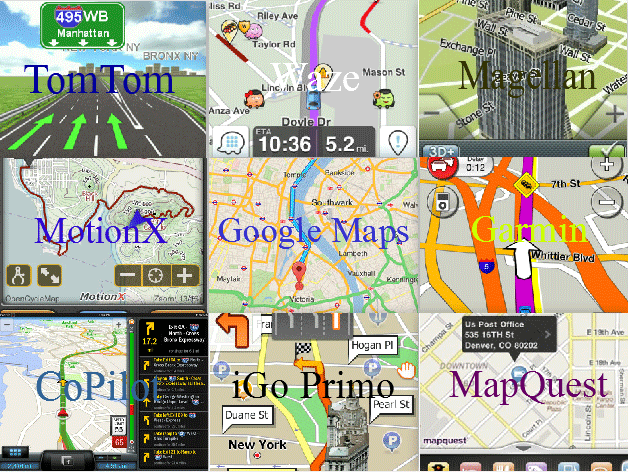
Who needs a one trick pony PND when you can use the above applications to find your way to your destination fast? If you are looking for apps that go beyond in-car navigation, you should check these out:
- Avoid traffic with these apps
- ETA Sharing
- Apps for golfers
- Navigation apps for outdoors
- Sports GPS
- Augmented reality navigation
Your turn: have you found better apps? Please share your favorite iPhone GPS apps here.